
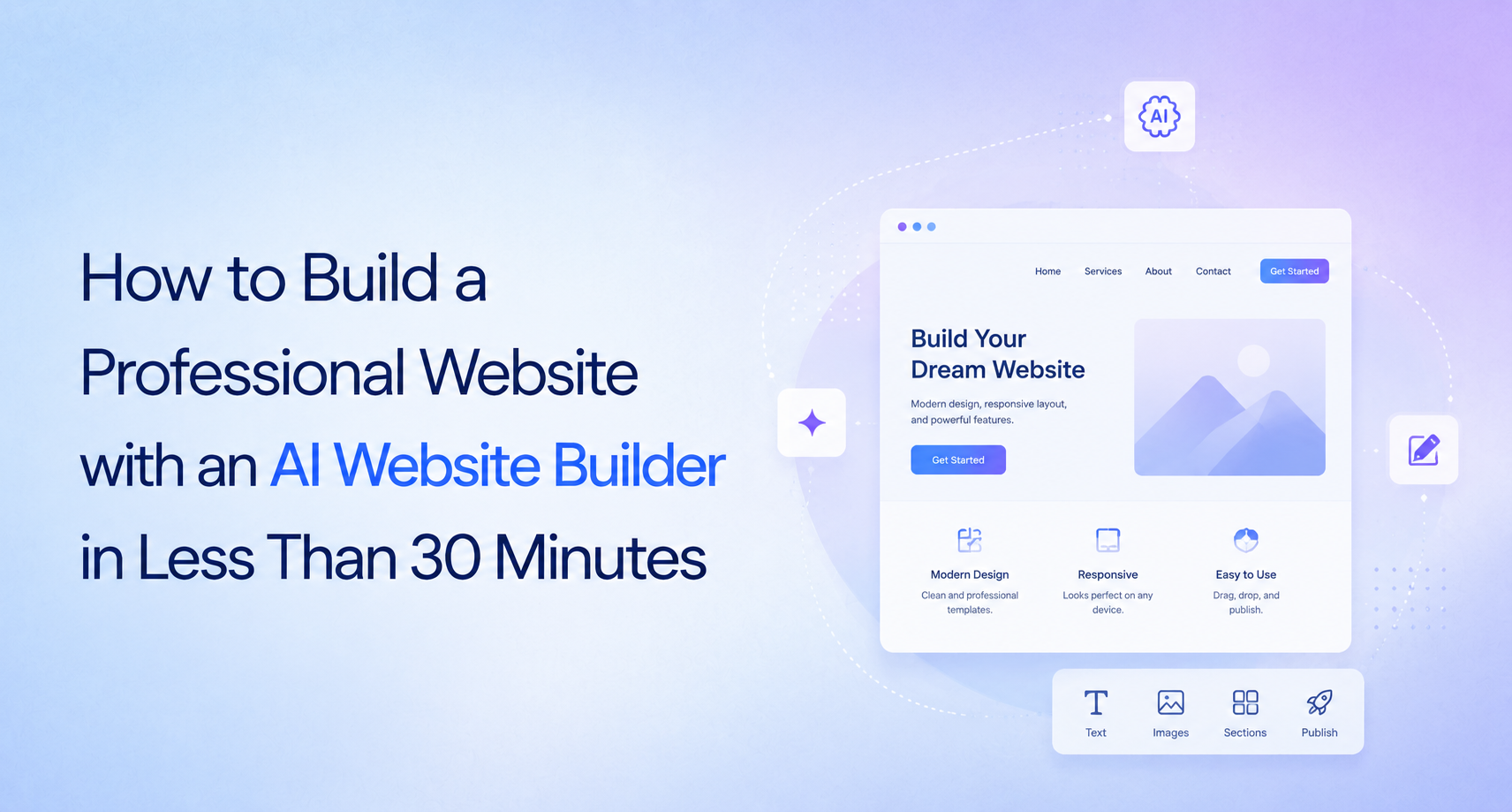
Building a professional website used to take weeks or even months. You had to hire a designer, work with a developer, write content, and spend a lot of money. For many small businesses, startups, and entrepreneurs, this process felt slow and expensive.
Today, things are different.
An AI Website Builder can create a complete website in minutes. It helps you design pages, generate content, choose layouts, and publish your website without writing a single line of code.
Whether you are launching a business, creating a portfolio, or selling products online, AI makes the process much easier. Even if you have never built a website before, you can create one quickly with a no-code website builder.
In this guide, you will learn exactly how to build a professional website in less than 30 minutes, what to prepare before you start, and the best practices to make your website look trustworthy and ready for visitors.
You can build a professional website in less than 30 minutes by choosing an AI Website Builder, describing your business, letting AI generate the design and content, customizing the pages, connecting your domain, and publishing the site. Modern no-code website builders make this process simple enough for beginners while still producing professional results.
Not long ago, building a website involved several people.
You needed:
A web designer
A developer
A copywriter
A graphic designer
Several weeks of revisions
Now, AI combines many of these tasks into one platform.
Instead of building every page from scratch, AI asks a few questions about your business and creates a complete website automatically.
For example, if you own a fitness studio, AI can generate:
A homepage
About page
Services page
Contact page
Call-to-action buttons
Images and layouts
SEO-friendly page structure
You simply review the results and make changes where needed.
This saves both time and money.
An AI Website Builder is software that uses artificial intelligence to create websites automatically.
Instead of manually designing every page, you provide information such as:
Business name
Industry
Services
Target audience
Brand colors
Goals
The AI then builds your website using this information.
Most platforms also help with:
Writing website content
Creating layouts
Choosing fonts
Selecting colors
Adding images
Mobile optimization
Basic SEO
Many platforms also work as a no-code website builder, meaning you never need programming knowledge.
Before creating your website, spend five minutes preparing the basics.
Having these ready will make the process much faster.
Know exactly what your website will be called.
Example:
Whiskwood Bakery
Ask yourself:
What should visitors do?
Examples include:
Contact you
Buy products
Book appointments
Request a quote
Read your blog
Your goal influences your website layout.
Prepare two or three sentences about your business.
Example:
"We help local businesses create beautiful custom cakes for birthdays, weddings, and special events."
AI uses this information to generate a relevant website.
If available, gather:
Logo
Brand colors
Fonts
Product photos
Team photos
If you don't have these yet, many AI website builders provide professional templates and royalty-free images.
Keep these ready:
Phone number
Address
Social media links
This information will appear throughout your website.
The first step is selecting a platform that matches your needs.
Look for features such as:
AI website generation
No code editing
Responsive design
SEO tools
Fast hosting
Easy publishing
Custom domain support
For startups, agencies, consultants, and small businesses, platforms like Creative AI simplify this process by combining AI-powered website creation with easy editing tools.
Most AI builders begin by asking a few simple questions.
For example:
What does your business do?
Who are your customers?
Which industry are you in?
What style do you prefer?
What pages do you need?
The better your answers, the better your website.
Think of AI as a designer who needs a clear brief.
Once you've entered your information, AI begins creating your website.
Within a few minutes, it can generate:
Homepage
About page
Services page
Contact page
Call-to-action sections
Images
Headlines
Buttons
Navigation menu
Instead of starting with a blank screen, you begin with a complete website draft.
This saves hours of manual work.
Although AI creates a strong starting point, you should personalize the website.
Update:
Colors
Fonts
Images
Headlines
Buttons
Testimonials
Contact details
Even small edits help your website reflect your brand identity.
For example, replace stock images with real photos of your business whenever possible.
This builds trust with visitors.
AI writes website copy quickly.
However, spend a few minutes reviewing every page.
Make sure the content:
Sounds natural
Matches your business
Explains your services clearly
Includes important keywords
Has clear calls to action
For example, instead of writing:
"Our innovative solutions deliver excellence."
Write:
"We build websites that help small businesses get online faster."
Simple language is easier for both visitors and search engines to understand.
A professional website should also be easy to find on Google.
Check that every page includes:
Clear page titles
Meta descriptions
Relevant keywords
Image alt text
Internal links
Mobile-friendly design
Fast loading speed
Many AI website builders include built-in SEO tools that guide you through these improvements.
This helps your website appear in search results and improves the overall user experience.
Finally, connect your custom domain.
Examples include:
After reviewing your pages one last time, publish the website.
Within minutes, your business becomes available to customers around the world.
A process that once took months can now be completed during a coffee break.
Using an AI Website Builder is about more than saving time. It also helps businesses launch faster, reduce costs, and maintain a professional online presence.
One of the biggest advantages is speed.
Instead of spending weeks planning, designing, and developing a website, AI can create a complete first draft in minutes. You only need to review and personalize it.
A no-code website builder removes technical barriers.
You can:
Edit text
Change colors
Upload images
Rearrange sections
Add new pages
All without writing code.
This makes website creation accessible to entrepreneurs, freelancers, consultants, and small business owners.
Hiring a web designer and developer can be expensive.
With AI, you can reduce costs because one platform handles much of the work automatically.
This is especially helpful for startups working with limited budgets.
Modern AI builders use professionally designed layouts.
These templates are built to:
Look clean
Load quickly
Work on mobile devices
Improve user experience
As a result, your website looks polished even if you have no design experience.
Many AI website builders include basic SEO tools.
These often help you:
Add page titles
Write meta descriptions
Optimize headings
Improve page structure
Create search-friendly URLs
This gives your website a better chance of appearing in search results.
Your website is never finished.
As your business grows, you can easily:
Add new services
Publish blog posts
Update pricing
Change images
Launch new landing pages
Since everything is editable, keeping your website current is simple.
AI can speed up website creation, but it is important to understand its limitations.
AI can create a strong starting point, but it does not know your business as well as you do.
Always review:
Business information
Pricing
Contact details
Service descriptions
Brand messaging
Small edits make a big difference.
AI-generated content may sound similar across websites if left unchanged.
To make your website unique:
Add real customer stories
Include original photos
Share your experience
Explain your process
Write in your own voice
This builds trust and improves your chances of ranking on Google.
Publishing a website does not guarantee visitors.
You should also focus on:
Keyword research
Helpful content
Internal linking
Fast page speed
User experience
SEO remains important, even when AI builds the website.
A restaurant owner wants a website for online reservations.
Using an AI Website Builder, they create:
Homepage
Menu page
Reservation form
Contact page
Google Maps section
The website is live in less than 30 minutes.
A freelance graphic designer needs a portfolio.
The AI generates:
Portfolio gallery
About page
Services page
Contact form
After uploading project images, the designer publishes the website the same day.
A founder wants to validate a business idea quickly.
Instead of waiting weeks for development, they build:
Landing page
Pricing page
Product overview
Contact form
They begin collecting customer feedback immediately.
A marketing agency needs websites for multiple clients.
Instead of starting from scratch each time, the team uses AI to generate initial website drafts.
This reduces production time and allows designers to focus on branding and customization instead of repetitive setup tasks.
Many beginners make the same mistakes when building their first website.
Fortunately, they are easy to avoid.
Always read every page before publishing.
Correct spelling mistakes and update any placeholder text.
Blurry or unrelated images reduce trust.
Use high-quality photos whenever possible.
Real business photos often perform better than generic stock images.
Visitors rarely read long blocks of text.
Instead:
Use short paragraphs
Add headings
Include bullet points
Focus on important information
This improves readability.
Many people browse websites on their phones.
Always preview your website on mobile before publishing.
Check:
Font size
Buttons
Navigation
Images
Every page should tell visitors what to do next.
Examples include:
Contact Us
Book a Demo
Request a Quote
Start Free
Schedule a Call
Without clear calls to action, visitors may leave without taking action.
Follow these practices to create a website that looks trustworthy and performs well.
Avoid clutter.
Use white space and a clean layout so visitors can find information quickly.
Each page should have a clear purpose.
For example:
The homepage introduces your business.
The services page explains what you offer.
The contact page encourages visitors to get in touch.
Visitors scan before they read.
Write headings that explain exactly what each section is about.
Build trust by including:
Customer reviews
Testimonials
Case studies
Client logos
Success stories
Real experiences help visitors feel more confident.
Large image files slow down websites.
Compress images before uploading and always add descriptive alt text.
This improves both page speed and accessibility.
Make it easy for visitors to reach you.
Include your contact details in the header, footer, or a dedicated contact page.
A website should grow with your business.
Review your content every few months and:
Add new services
Refresh old information
Publish helpful blog articles
Remove outdated content
Fresh websites often perform better in search engines.
AI website technology is improving rapidly.
Here are some trends shaping the future.
AI will create websites tailored to different audiences based on visitor behavior and preferences.
Future AI tools will produce more natural and brand-specific content with less editing.
Many AI platforms are adding:
Email marketing
CRM integration
Analytics
Lead generation
Social media publishing
This allows businesses to manage more from one dashboard.
Instead of simply suggesting keywords, future AI builders will recommend content updates, improve page structure, and identify ranking opportunities automatically.
AI will increasingly handle routine tasks such as updating layouts, improving performance, fixing broken links, and recommending content improvements.
Businesses will spend less time maintaining websites and more time growing them.
An AI Website Builder can help you create a professional website in less than 30 minutes.
A no-code website builder removes the need for programming knowledge.
AI speeds up design, content creation, and website setup.
Human review is still essential for creating unique, trustworthy content.
Good SEO practices remain important after your website is published.
Mobile responsiveness, page speed, and clear navigation improve user experience.
AI is an excellent starting point, but your expertise and business knowledge make the website stand out.
Regular updates help maintain rankings and keep your website relevant.
Building a website no longer has to be expensive, technical, or time-consuming.
With today's AI Website Builder technology, almost anyone can create a professional website in less than 30 minutes. From generating layouts and writing content to optimizing pages for search engines, AI removes many of the traditional barriers to getting online.
At the same time, the best websites still combine AI with human creativity. Personalizing your content, using real images, adding customer stories, and focusing on your audience will always make your website stronger.
If you're a startup founder, agency, consultant, entrepreneur, or small business owner, an AI-powered platform like Creative AI can significantly reduce the time it takes to launch a modern, professional website. Instead of spending weeks coordinating designers and developers, you can focus on growing your business while AI handles much of the heavy lifting.
Ultimately, an AI Website Builder is not just about building faster. It is about making professional website creation accessible to everyone.
Turn your ideas into fully functional apps using intelligent automation. Design, build, and launch, all in one seamless workflow.
Build Your App Today!